
BIM for beginners: the first five steps to getting started
BIM looks intimidating from the outside. It is not, if you take it in the right order.
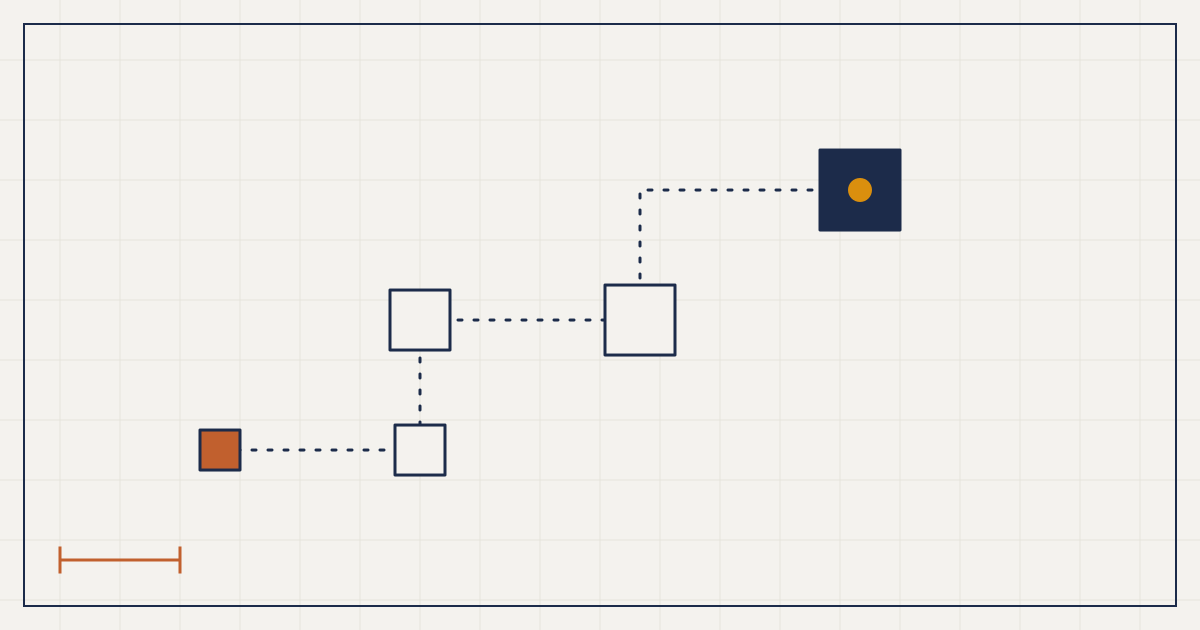
To get started with BIM: first understand what it really is, then get familiar with one platform such as Revit, follow a structured learning plan, join the BIM community, and apply what you learn to a real project. Start small and aim for familiarity before mastery.
Start here
BIM can look like a wall of jargon, expensive software and rigid processes. It is not just for large corporations or seasoned specialists. The five steps below come from years of experience managing BIM processes in some of the world's largest firms, and they work just as well for a student or a two-person studio.
Step 1: understand what BIM really is
BIM is a method, not a program. It uses digital models to connect building data across disciplines. Instead of lines on a sheet, you build an intelligent model that carries materials, structure, performance and cost.
- Data-driven modelling. Every element holds information, so the model is a live source rather than a static drawing.
- Collaboration and coordination. Teams share one picture and catch clashes early.
- Lifecycle thinking. The model keeps working after construction, supporting facility management.
Read the ISO 19650 overview and a couple of real project case studies before you touch any software.
Step 2: get familiar with the software
- Autodesk Revit: the most widely used platform for architectural, structural and MEP modelling.
- Graphisoft Archicad: a strong alternative with a friendly interface.
- Tekla Structures: for structural and fabrication modelling.
- Navisworks: for coordination and clash detection.
- Autodesk Construction Cloud (formerly BIM 360) and Trimble Connect: for cloud collaboration.
If you are new, start with Revit, since it is so widely adopted. Use free tutorials and user forums. At this stage the goal is familiarity, not mastery.
Step 3: follow a structured learning plan
Trying to learn everything at once leads to frustration. Break it into stages:
- Basic modelling: simple models, materials, drawings.
- Collaboration: linking models and running clash checks.
- Standards: BIM execution plans, level of detail, IFC.
- Automation: parametric design and scripting with Dynamo or Grasshopper.
- Lifecycle: how BIM supports operations and facility management.
Mix self-paced study, a mentor and real project work.
Step 4: join the community
The fastest way to learn is to learn with other people. Use the Autodesk Revit forum, Archicad Talk and BIM groups on LinkedIn. Attend conferences and webinars. Consider a recognised certification, such as buildingSMART's professional certification or Autodesk certification, to validate your skills. Find someone a few years ahead of you and ask them questions.
Step 5: apply it to a real project
Theory only goes so far. If you work in a firm, volunteer for BIM tasks. If you are a student, take on a small project for your portfolio. Focus on:
- Building models and documentation to a clear standard.
- Linking architecture, structure and MEP in a federated model.
- Finding and resolving clashes.
- Using the model for energy, cost or scheduling studies.
Hands-on experience is what separates BIM learners from BIM practitioners. Start small, make mistakes early, and widen your scope as you improve.
The future starts now
BIM is not a passing trend. It is the foundation of how buildings will be designed, built and managed. The journey may feel daunting, but it is rewarding, and the people who start now will be the ones others call later. So: will you be part of it?
Key takeaways
- Understand the idea before you learn the software.
- Pick one platform, and aim for familiarity first.
- Follow a staged plan instead of trying to learn everything.
- Learn with a community and a mentor.
- Apply BIM to a real, small project as soon as you can.
Questions people ask
Which BIM software should a beginner learn first?
Revit is the most widely adopted platform and a sensible first choice. Archicad is a good alternative, especially for architects who prefer its interface.
How long does it take to learn BIM?
It depends on your background and the time you can give it. Basic modelling can be picked up in weeks, but fluency in coordination, standards and automation develops over months of real project work.
Do I need to know coding for BIM?
Not to start. Scripting with Dynamo or Grasshopper becomes useful later, when you want to automate repetitive tasks.
Learn by doing: try a small design problem
The ceiling void planner is a quick, free way to see how structure, services and ceilings fight for the same few hundred millimetres.
Open the plannerKeep reading
BIM 101: the principles every designer and engineer should know
BIM is not a tool you install. It is a way of thinking about buildings, and the earlier you get that, the more it pays you back.
Why small firms should adopt BIM, and how to get started
The myth is that BIM is for the big players. In my experience it is the small studio that gains most.
The levels of BIM, from Level 0 to Level 3, explained
Everyone says they do BIM. The levels tell you how much of it they actually do.